WordPress Dashboard Won't Load: 8 Causes and How to Fix Them WordPress Not Working: What to Check Before Panicking WordPress Site Stuck After Update: How to Recover It WP-Admin Error 500: Common Causes and Effective Solutions How to Identify Which WordPress Plugin Is Really Slowing Down Your Site Without Guesswork WordPress Migration Without Downtime: Professional Procedure to Avoid SEO Traffic Loss WordPress Not Sending Emails: Complete Step-by-Step Guide to Fix SMTP Issues WordPress not working? Wp-admin won't open: causes and solutions Case Study: Comprehensive Cleanup of a Compromised Joomla 3 Site AI Article Generator for Joomla 3: A Practical Case of Editorial Automation in Two Languages Key SEO Parameters to Regularly Check in Google Search Console Joomla and Incorrect URL Generation with Specific Menu Items Automatic Content Creation in WordPress Without Plugins: My Experience with OpenAI APIs How to block SiteGround WordPress automatic updates Yootheme Pro, Virtuemart and VMuikit: integration via dynamic fields for Joomla ecommerce WordPress Dashboard Won't Load: 8 Causes and How to Fix Them WordPress Not Working: What to Check Before Panicking WordPress Site Stuck After Update: How to Recover It WP-Admin Error 500: Common Causes and Effective Solutions How to Identify Which WordPress Plugin Is Really Slowing Down Your Site Without Guesswork WordPress Migration Without Downtime: Professional Procedure to Avoid SEO Traffic Loss WordPress Not Sending Emails: Complete Step-by-Step Guide to Fix SMTP Issues WordPress not working? Wp-admin won't open: causes and solutions Case Study: Comprehensive Cleanup of a Compromised Joomla 3 Site AI Article Generator for Joomla 3: A Practical Case of Editorial Automation in Two Languages Key SEO Parameters to Regularly Check in Google Search Console Joomla and Incorrect URL Generation with Specific Menu Items Automatic Content Creation in WordPress Without Plugins: My Experience with OpenAI APIs How to block SiteGround WordPress automatic updates Yootheme Pro, Virtuemart and VMuikit: integration via dynamic fields for Joomla ecommerce
WP-Admin Error 500: Common Causes and Effective Solutions

WP-Admin Error 500: Common Causes and Effective Solutions

Author Graziano De Maio - Gdmtech
I wish you a good read and remember: if after reading this article you need help, don't hesitate to contact me.
Author: Graziano De Maio | Founder of Gdmtech
Table of contents

Understanding WP-Admin Error 500: Key Causes

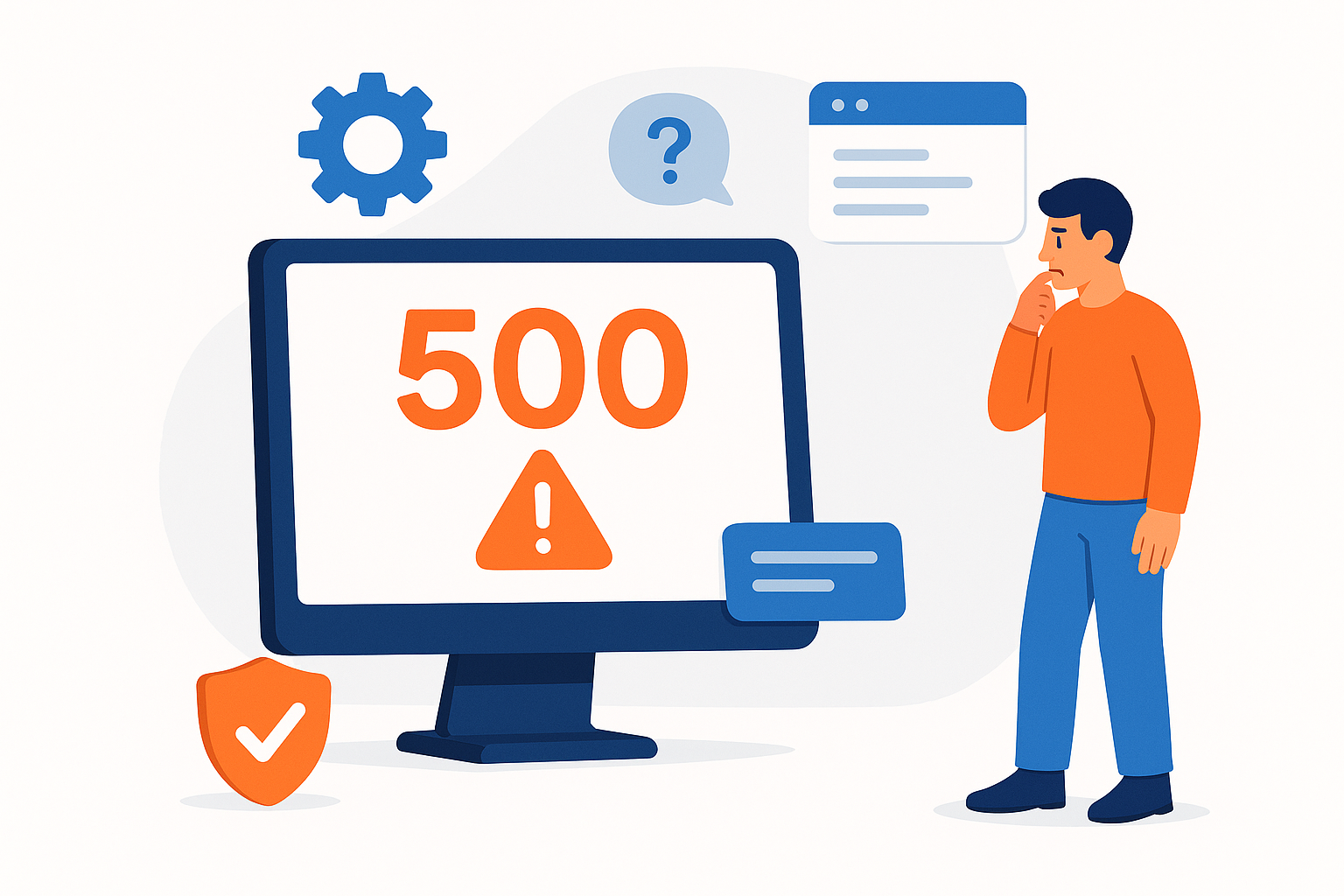
The error 500 encountered when accessing wp-admin is a frequent issue in WordPress environments. This internal server error prevents access to the admin dashboard, disrupting your workflow.

Common causes include:

  • Corrupted or misconfigured .htaccess file
  • Conflicting or faulty plugins and themes
  • Exhausted PHP memory limits
  • Incorrect file permissions for WordPress files
  • Incompatible PHP server versions

Practical Solutions to Fix WP-Admin Error 500

If you face this error, follow these expert steps to troubleshoot and resolve the problem:

1. Check and reset the .htaccess file

  • Rename the .htaccess file to disable it temporarily
  • Reload wp-admin; if the issue is resolved, regenerate the file via Settings > Permalinks in the dashboard

2. Temporarily deactivate plugins

  • Access your site via FTP or cPanel
  • Rename the ‘plugins’ folder to ‘plugins_old’ to disable all plugins
  • Test wp-admin access, then reactivate plugins one by one to identify the culprit

3. Switch to a default WordPress theme

  • Activate a standard theme like Twenty Twenty-Three to rule out theme conflicts

4. Increase PHP memory limit

  • Edit wp-config.php and add: define('WP_MEMORY_LIMIT', '256M');

5. Verify file permissions

  • Ensure folders are set to 755 and files to 644 permissions

6. Check your PHP version

  • Confirm your server runs a PHP version compatible with your WordPress installation

Best Practices to Prevent Future Error 500 Issues

  • Keep WordPress, themes, and plugins updated
  • Perform regular backups before changes
  • Monitor server resources and PHP memory usage

For further assistance, feel free to reach out through our contacts page.


FAQs on WP-Admin Error 500

Q1: What causes error 500 in wp-admin? A: It’s typically due to internal server issues like plugin or theme conflicts, or misconfigurations.

Q2: Can I fix error 500 on my own? A: Yes, by following the steps of disabling .htaccess, plugins, themes and increasing PHP memory.

Q3: Should I hire a professional? A: If basic fixes don’t work, a developer can diagnose deeper server or configuration problems.

Q4: Does error 500 affect SEO? A: Yes, it disrupts site access, leading to poor user experience and potential ranking drops in search engines.
Author Graziano De Maio - Gdmtech
I wish you a good read and remember: if after reading this article you need help, don't hesitate to contact me.
Author: Graziano De Maio | Founder of Gdmtech
Graziano De Maio, Webdeveloper, SEO specialist
Graziano De Maio
Web Developer, SEO Specialist
Gdmtech Web Agency
Via Stefanardo da Vimercate 28 - (Milan)
Via Spinedi 55 - Postalesio (Sondrio)
Info & Contacts




















