Ecommerce localization in Italy: catalogue, checkout and technical support Italian web developer for website support and local coordination Italian website localization: more than translating web content Taking over an existing Italian website without rebuilding it Website localization in Italy: a technical guide for international companies WordPress Dashboard Won't Load: 8 Causes and How to Fix Them WordPress Not Working: What to Check Before Panicking WordPress Site Stuck After Update: How to Recover It WP-Admin Error 500: Common Causes and Effective Solutions How to Identify Which WordPress Plugin Is Really Slowing Down Your Site Without Guesswork WordPress Migration Without Downtime: Professional Procedure to Avoid SEO Traffic Loss WordPress Not Sending Emails: Complete Step-by-Step Guide to Fix SMTP Issues WordPress not working? Wp-admin won't open: causes and solutions Case Study: Comprehensive Cleanup of a Compromised Joomla 3 Site AI Article Generator for Joomla 3: A Practical Case of Editorial Automation in Two Languages Ecommerce localization in Italy: catalogue, checkout and technical support Italian web developer for website support and local coordination Italian website localization: more than translating web content Taking over an existing Italian website without rebuilding it Website localization in Italy: a technical guide for international companies WordPress Dashboard Won't Load: 8 Causes and How to Fix Them WordPress Not Working: What to Check Before Panicking WordPress Site Stuck After Update: How to Recover It WP-Admin Error 500: Common Causes and Effective Solutions How to Identify Which WordPress Plugin Is Really Slowing Down Your Site Without Guesswork WordPress Migration Without Downtime: Professional Procedure to Avoid SEO Traffic Loss WordPress Not Sending Emails: Complete Step-by-Step Guide to Fix SMTP Issues WordPress not working? Wp-admin won't open: causes and solutions Case Study: Comprehensive Cleanup of a Compromised Joomla 3 Site AI Article Generator for Joomla 3: A Practical Case of Editorial Automation in Two Languages
WordPress Not Sending Emails: Complete Step-by-Step Guide to Fix SMTP Issues

WordPress Not Sending Emails: Complete Step-by-Step Guide to Fix SMTP Issues

Author Graziano De Maio - Gdmtech
I wish you a good read and remember: if after reading this article you need help, don't hesitate to contact me.
Author: Graziano De Maio | Founder of Gdmtech
Table of contents

Fix WordPress Email Issues by Properly Configuring SMTP

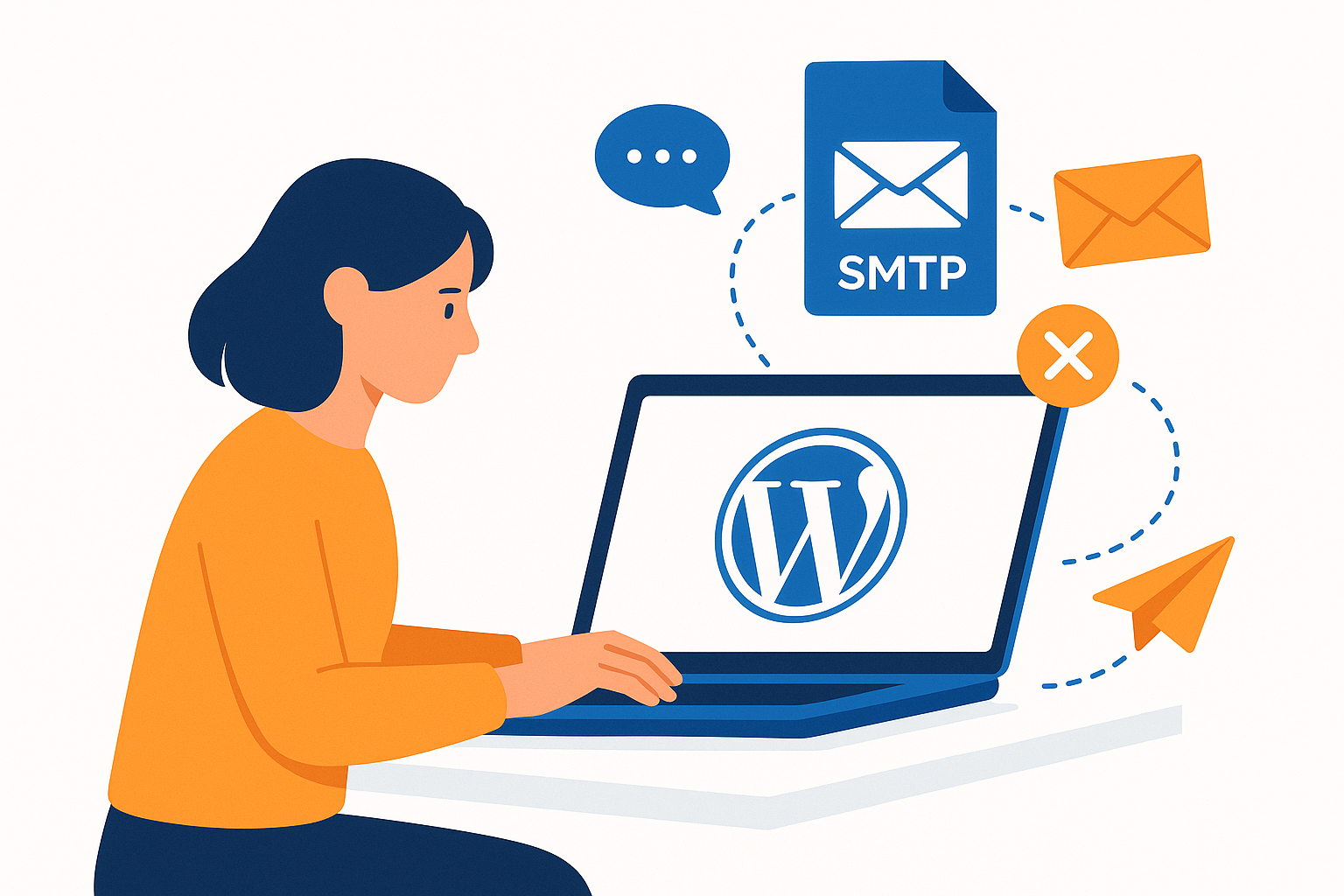
If you’ve experienced WordPress not sending emails, the problem is often related to incorrect SMTP server setup or email service not being enabled on your site.

For specialized support please visit contacts.

Why is WordPress Not Sending Emails?

Many developers and users report WordPress failing to deliver emails like notifications, password resets, or contact form submissions. This usually happens because WordPress relies on the wp_mail() function, which uses PHP mail() under the hood—often blocked or misconfigured on shared or non-optimized hosting servers.

Step-by-Step Guide to Troubleshoot SMTP Issues in WordPress

1. Check Your Hosting’s Email Configuration

  • Verify if your hosting supports native mail sending or requires external SMTP servers.
  • Ensure SMTP ports (typically 587 or 465) are open and not blocked by firewalls.

2. Set Up a Reliable SMTP Plugin

  • Install SMTP plugins like “WP Mail SMTP” or “Easy WP SMTP”.
  • Enter accurate SMTP server details including host, port, security protocol, username, and password.

3. Verify SMTP Credentials and Encryption

  • Use authenticated SMTP with TLS or SSL encryption for better security and deliverability.

4. Perform an Email Test Through the SMTP Plugin

  • Send a test email to confirm that your SMTP setup works correctly.

5. Review Error Logs

  • Some plugins offer logging features that help identify technical errors or invalid credentials.

Additional Recommendations for Reliable Email Sending with WordPress

  • Use an email address associated with your domain to avoid SPF/DKIM authentication failures.
  • Consider professional SMTP services like SendGrid, Mailgun, or Amazon SES to enhance reliability.
  • Keep your SMTP plugins and WordPress installation up to date to prevent security vulnerabilities.

FAQ - Common Questions About WordPress Email and SMTP Issues

Why do WordPress emails end up in spam folders?
Incorrect or missing SPF and DKIM records make emails appear untrustworthy to email providers.

How can I tell if the issue is with SMTP or WordPress itself?
Run an email test via your SMTP plugin and check the logs; if it fails, SMTP configuration is likely the cause.

Is there an alternative to SMTP for sending WordPress emails?
While alternatives exist, SMTP remains the most reliable and secure method to guarantee email delivery.

For professional assistance on this subject, consider reaching out via our contacts page.

Author Graziano De Maio - Gdmtech
I wish you a good read and remember: if after reading this article you need help, don't hesitate to contact me.
Author: Graziano De Maio | Founder of Gdmtech
Graziano De Maio, Webdeveloper, SEO specialist
Graziano De Maio
Web Developer, SEO Specialist
Gdmtech Web Agency
Via Stefanardo da Vimercate 28 - (Milan)
Via Spinedi 55 - Postalesio (Sondrio)
Info & Contacts




















