WordPress Dashboard Won't Load: 8 Causes and How to Fix Them

- Wordpress
- July 16, 2026
Table of contents
Common causes why your WordPress dashboard won’t load and how to fix them
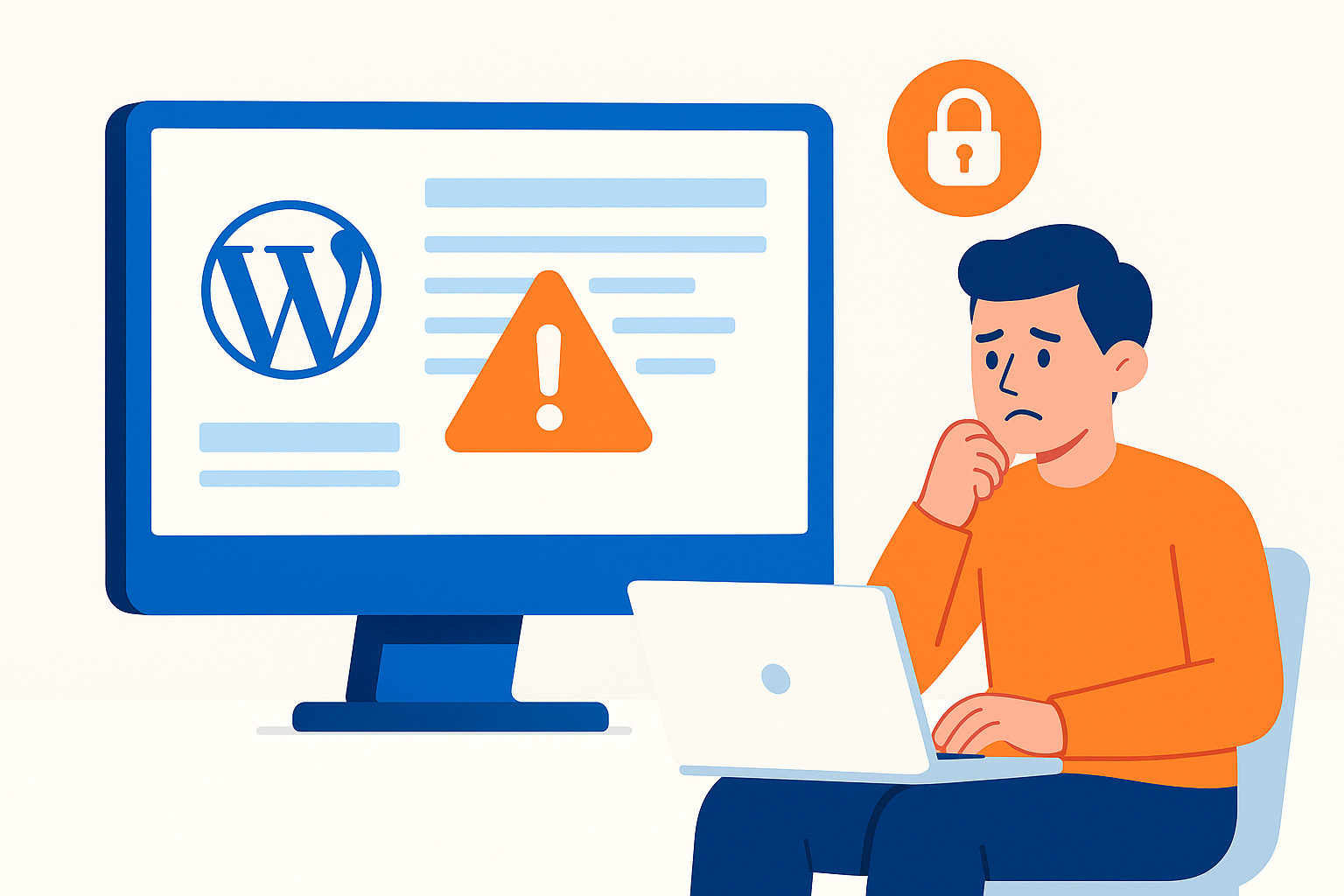
If your WordPress dashboard won’t load, you’re facing one of the most common issues that can affect site management. This article explores the top 8 causes and how to resolve them effectively. For technical help, see my WordPress support service.
For an in-depth technical guide, visit: wordpress not working wp admin wont open causes and solutions.
Need personalized support? Get in touch here: Contact us.
1. Browser cache and cookies issues
Cached data or cookies may prevent the dashboard from loading properly. Clear your browser cache and cookies as a first troubleshooting step.
2. Faulty or incompatible plugins
A misconfigured, corrupted, or incompatible plugin can block dashboard access. Disable plugins via FTP or hosting panel to identify the source.
3. Outdated or incompatible theme
An obsolete or defective theme may also cause dashboard issues. Try switching to a default WordPress theme like Twenty Twenty-Three to check.
4. .htaccess file errors
A corrupted .htaccess file may cause blank pages or redirects. Rename and regenerate this file from WordPress or FTP to fix issues.
5. Insufficient PHP memory limits
Dashboard loading problems can arise if PHP memory limits are too low. Increase the memory_limit in wp-config.php accordingly.
6. Incorrect file and folder permissions
Improper permissions on files or folders can prevent admin area access. Set folder permissions to 755 and files to 644 as standard.
7. Interrupted or incomplete updates
Partial updates to WordPress core, themes, or plugins might cause failures. Ensure all updates complete successfully without interruption.
8. Server issues or resource constraints
Server downtime, misconfigurations, or resource limits can affect dashboard loading. Check with your hosting provider for any server-related problems.
FAQ – Frequently Asked Questions
How do I identify the exact cause of the dashboard issue? Check error logs, disable plugins and themes one by one, and clear cache and cookies.
Can I fix permission or cache problems myself? Yes, if you follow proper technical guidelines, though expert help is recommended if unsure.
When should I seek professional help? If problems persist despite troubleshooting or you face complex technical issues, contact an experienced developer.
For expert consultancy and dedicated support, visit: Contact us.