Updating an HTML website with AI: a practical review process

- Web developing
- October 15, 2026
Table of contents
Changing a phone number across ten pages, adding a service or correcting a menu can become repetitive on a poorly organised HTML website. AI can help update multiple files consistently, provided the project has a clear structure and someone reviews the result before publication.
This does not require a chatbot on the website. AI assists the person preparing changes; visitors still receive ordinary web pages. The opportunity is to make static maintenance more manageable without adding a public CMS solely for occasional updates.
The overview of static HTML and CSS websites with AI explains the architectural context. This guide focuses on a dependable editing process.
What updating HTML with AI involves
An assistant working with project files can help inspect the structure, find repeated elements and propose changes. That differs from copying an isolated code fragment from a chat into a page without understanding its context.
Define which files belong to the site, what may change and what outcome is required. Available tools and their configuration determine what the assistant can actually do. A request alone does not guarantee a correct result.
Shared components provide a stronger foundation. If headers and footers come from common templates, changes can flow through page generation. AI can help edit that structure instead of treating each page as a separate project.
Which updates benefit from AI assistance
Repetitive, well-defined tasks are useful starting points: updating contact details, preparing a service page from an existing layout or checking links after content is reorganised.
| Update | Information to supply | Useful review |
|---|---|---|
| Contact details | Approved new details and scope | No outdated information remains |
| New service page | Approved text and model page | Navigation, address and readability |
| Mobile improvements | Specific problem and affected pages | Usable spacing and navigation |
| Another language version | Original content and tone | Meaning and language-specific links |
| Catalogue changes | Current data and organisation rules | Complete, accurate descriptions |
The potential benefit includes consistency as well as fewer manual operations. Review must still catch omissions and replacements that were never requested.
Write a request with an observable outcome
“Make the website more professional” leaves many decisions undefined. A stronger request identifies a visible result, such as adding a service to the menu using an existing page as the model.
For example: “Add a consultancy page using the current service layout. Use the supplied text, link it from the English menu and prepare a preview. Do not add prices or testimonials.”
This establishes scope, content sources and acceptance conditions. The business can assess the result without reading code: the page exists, the wording is correct and the navigation reaches it.
Missing information should be resolved before it becomes public content. AI should not invent services, qualifications, results or commercial terms simply to complete a layout.
Review the preview in context
Correct wording can still create a visual problem. A longer heading can distort a card, a button can become difficult to read and a desktop menu can be awkward on a phone.
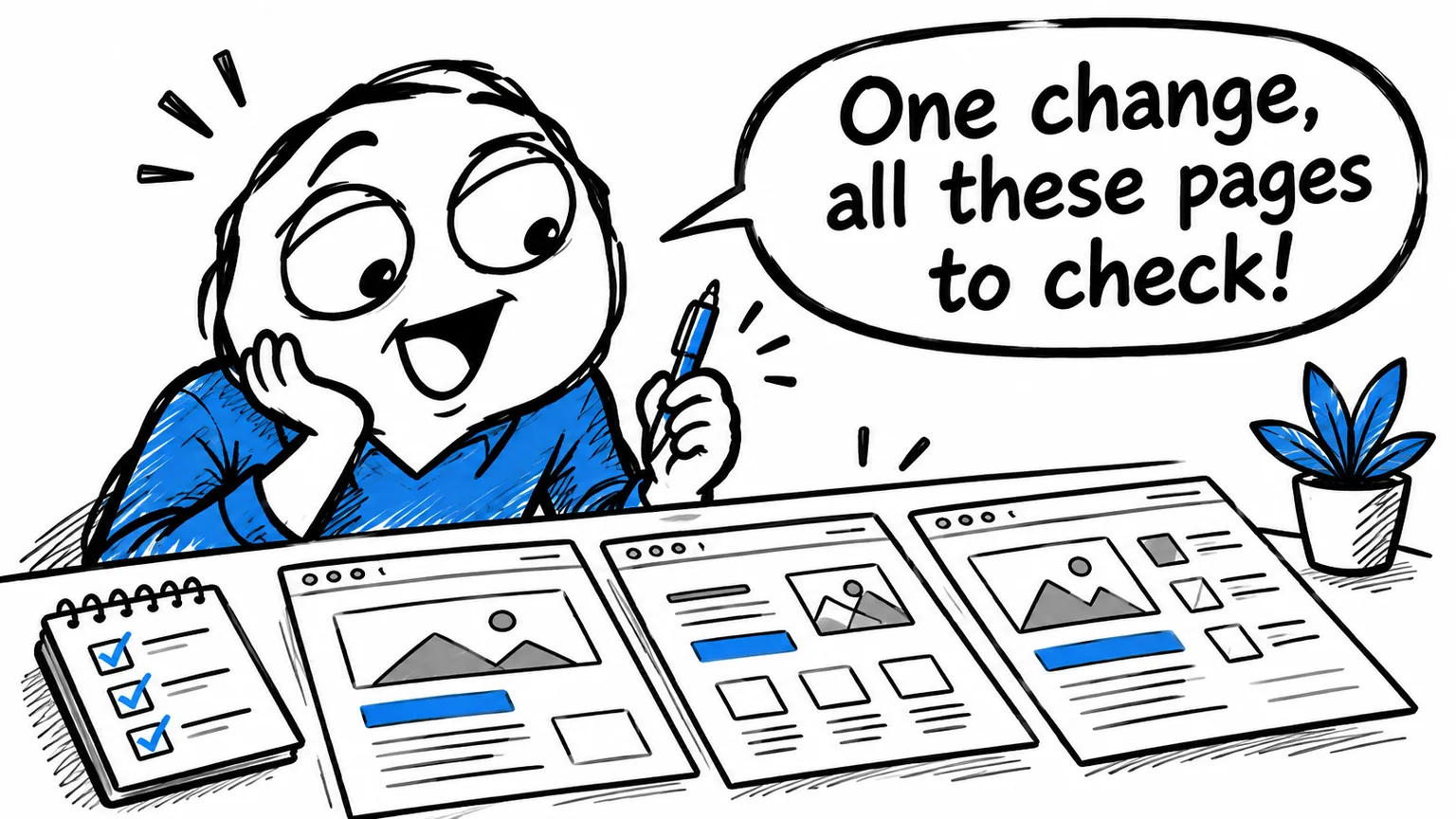
A preview lets you inspect affected pages in context. Review content, links, images, navigation and the route to an enquiry. When a shared component changes, consider the other pages that use it.
Ask two separate questions: was the requested update completed, and does the surrounding journey still work? The first checks the immediate result; the second catches damage elsewhere.
For a contact change, for instance, inspect the footer and the actual contact page. Updating one visible block does not demonstrate that every relevant location was found.
Keep a recoverable version
Maintain a history of changes and a recoverable project copy before editing. Version control helps compare changes and restore an earlier state. The business owner does not need to manage every technical detail personally.
The operational questions are straightforward: where are the source files, who can publish and how would a working version be restored? Those answers should remain available if another professional takes over maintenance.
Preparing an update and publishing it are separate stages. A preview allows the person who knows the service to approve information before it becomes public.
A handover should therefore include the source project and enough information to continue the publishing process, rather than only a copy of the final visible pages.
Assign responsibility for content and publication
The business representative knows the offer and approves the facts. The developer translates the request into a coherent update, reviews the result and manages publication. AI can assist without becoming responsible for editorial or technical decisions.
This also matters for confidential information. Instructions and public files should contain only what the task needs. Private credentials and internal business data do not belong in publicly delivered pages.
Agree who checks wording, who approves a preview and who authorises publication. Clear responsibilities make the workflow easier to use repeatedly, rather than just for the first update.
Decide whether the workflow suits your business
An informational website with agreed updates can benefit from lightweight public pages and a more efficient maintenance process. A large team publishing independently every day may need an editorial interface or a CMS.
Frequency, responsibilities and required independence matter more than enthusiasm for a particular tool. Try a representative update before removing a dashboard that staff depend on.
If your HTML site is difficult to maintain, contact me about its updating process. I can assess its structure and organise AI-assisted maintenance with previews and checks appropriate to the changes.