Forms, search and bookings: adding static website features

- Web developing
- October 15, 2026
Table of contents
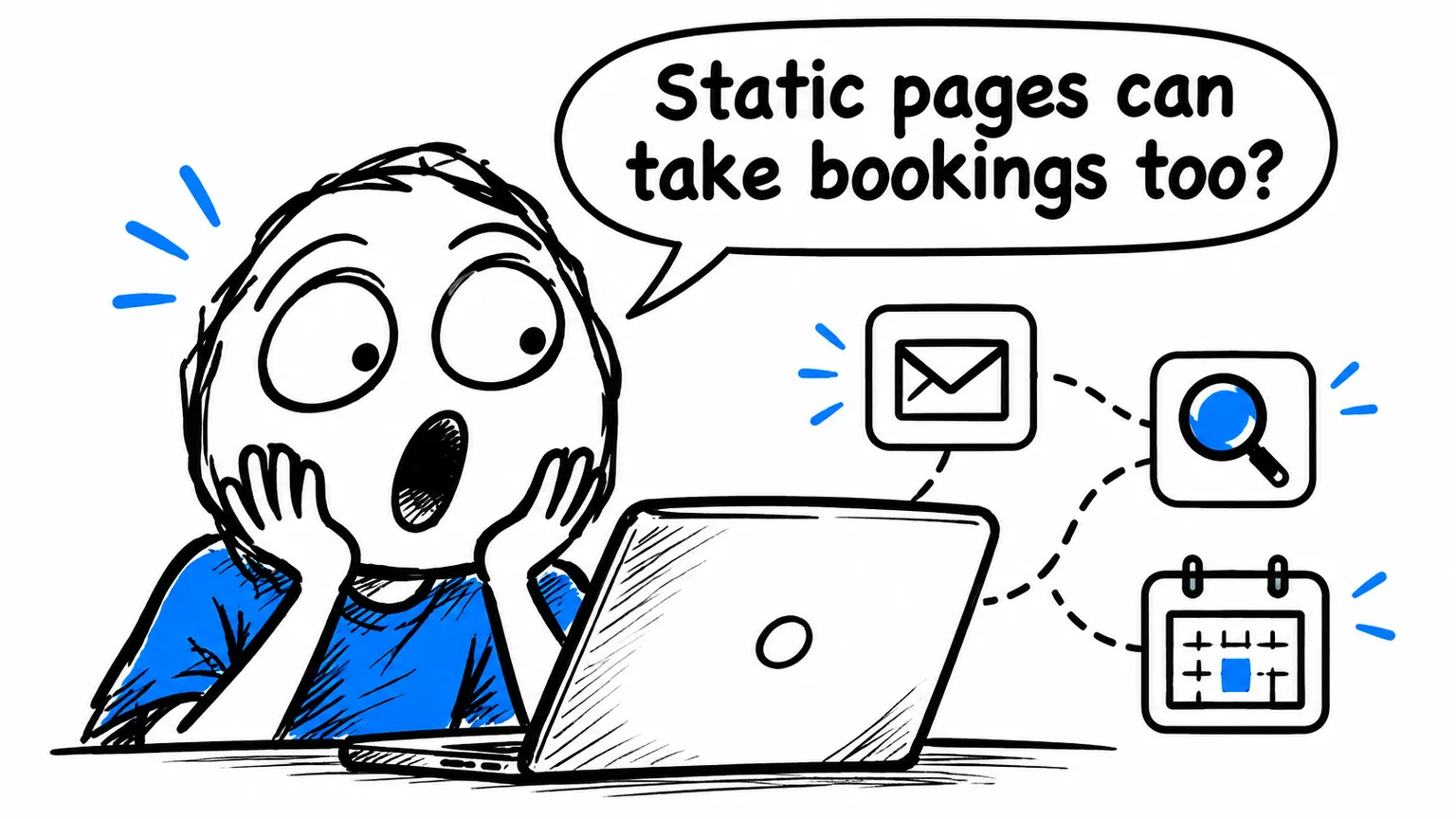
Will choosing a static website mean losing contact forms, search or bookings? A static website can provide these features by connecting its pages to suitable tools. The key distinction is between the interface visitors see and the system processing a submission or updating shared information.
Public pages can remain lightweight and ready to serve while a dedicated service manages messages, availability or payments. This allows application features where needed without requiring a CMS for every informational page.
The overview of static HTML and CSS websites with AI explains the wider architecture. This guide considers which features can be retained and what to assess before connecting them.
Static websites can still be interactive
Static primarily describes page delivery: the document exists before the visit. It does not prohibit interactive menus, galleries, filters or connections to other systems.
The useful distinction concerns data. Displaying a service list differs from checking availability shared by several users. The list can be generated with the pages; current availability requires a system that knows and updates the latest state.
| Requirement | Possible arrangement |
|---|---|
| Gallery or informational cards | Page content and browser interactions |
| Contact form | Form connected to a processing service |
| Search through public articles | Content index and search interface |
| Bookings with current availability | Dedicated platform or application |
| Customer area with personal data | Authenticated system with access controls |
Assessing features individually helps avoid choosing an entire platform solely for one requirement.
How contact forms work on a static website
The form collects information in the browser and sends it somewhere for processing. HTML and CSS can provide fields and buttons, but do not deliver an email by themselves.
The destination may be a form service or an endpoint developed for the project. Requirements, usage, data handling and integration with business tools influence the choice.
Visitors need to understand what to provide, receive a clear confirmation and know what to do if submission fails. The business needs the enquiry to arrive in the right place with its useful details intact.
Test mobile submissions, invalid fields and actual receipt. A success message displayed in the browser should not be treated as proof that the responsible person received the enquiry.
Also consider the handover: staff should know how to change recipients and who to contact when delivery fails.
Internal search does not always need a CMS
Many informational websites can search an index of public content prepared alongside the site. Visitors enter a term and receive links to relevant pages.
This can suit blogs, documentation and relatively stable catalogues without requiring a public database query for every search.
Define the scope carefully. Articles, service pages, product descriptions and documents may need different treatment. Linking a PDF does not automatically make its full contents searchable.
A large, frequently changing catalogue or complex filtering may justify a dedicated search service. Assess index size, update frequency and result quality on mobile devices.
The business should test realistic searches, including terms customers use rather than only internal product names. A technically functioning search box is useful only when people can find the right information.
Separate booking requests from confirmed availability
A form asking for a preferred date collects a request. A system showing live availability and confirming a slot must coordinate bookings. Page wording should make that difference clear.
A professional can use a booking link, an embedded calendar or a custom integration. Accessibility, loading performance and visual continuity all affect the choice.
Consider a hypothetical consultancy. Its static site explains an initial appointment while a calendar system manages the time slots. The journey works when visitors understand where they are, what they are booking and which confirmation they will receive.
Payments and cancellation conditions, when required, need an appropriate processing system and clear presentation before confirmation.
Automations can continue beyond the form
Receiving a message may be the first step in a longer process. A connection can transfer information into business software, create a task or notify the right person where the connected tools support those operations.
Define the flow first: what comes in, where it must go and what happens if a stage fails. Automating an unclear process can make errors harder to notice.
Static pages do not prevent these workflows; processing happens in the connected system. The design should avoid duplicate records, retain necessary information and make failed requests identifiable.
Assess each integration as an ongoing dependency
Connected services introduce costs and responsibilities. Check recurring charges, usage limits, export options and who maintains the connection.
For personal information, clarify what is collected, who receives it and how it moves through the process. Technical choices should reflect the business’s actual arrangements rather than rely on a generic checkbox.
Operational questions matter too: who receives failure alerts, how are recipients changed and what happens when the provider is unavailable? A visible alternative contact route can prevent a service interruption from blocking every enquiry.
Keep the public pages lightweight
Not every integration needs to load on every page. A calendar used only for appointments does not automatically belong on each blog article.
Concentrate features where visitors need them and review the whole journey. A static website can combine simple public delivery with specialist tools, while keeping the process understandable for staff and customers.
If you want to retain forms, search or bookings when moving to static, contact me about the required features. I can assess existing integrations and focused development around the workflow your business needs.