Migrating WordPress to a static website: benefits and SEO checks

- Web developing
- October 15, 2026
Table of contents
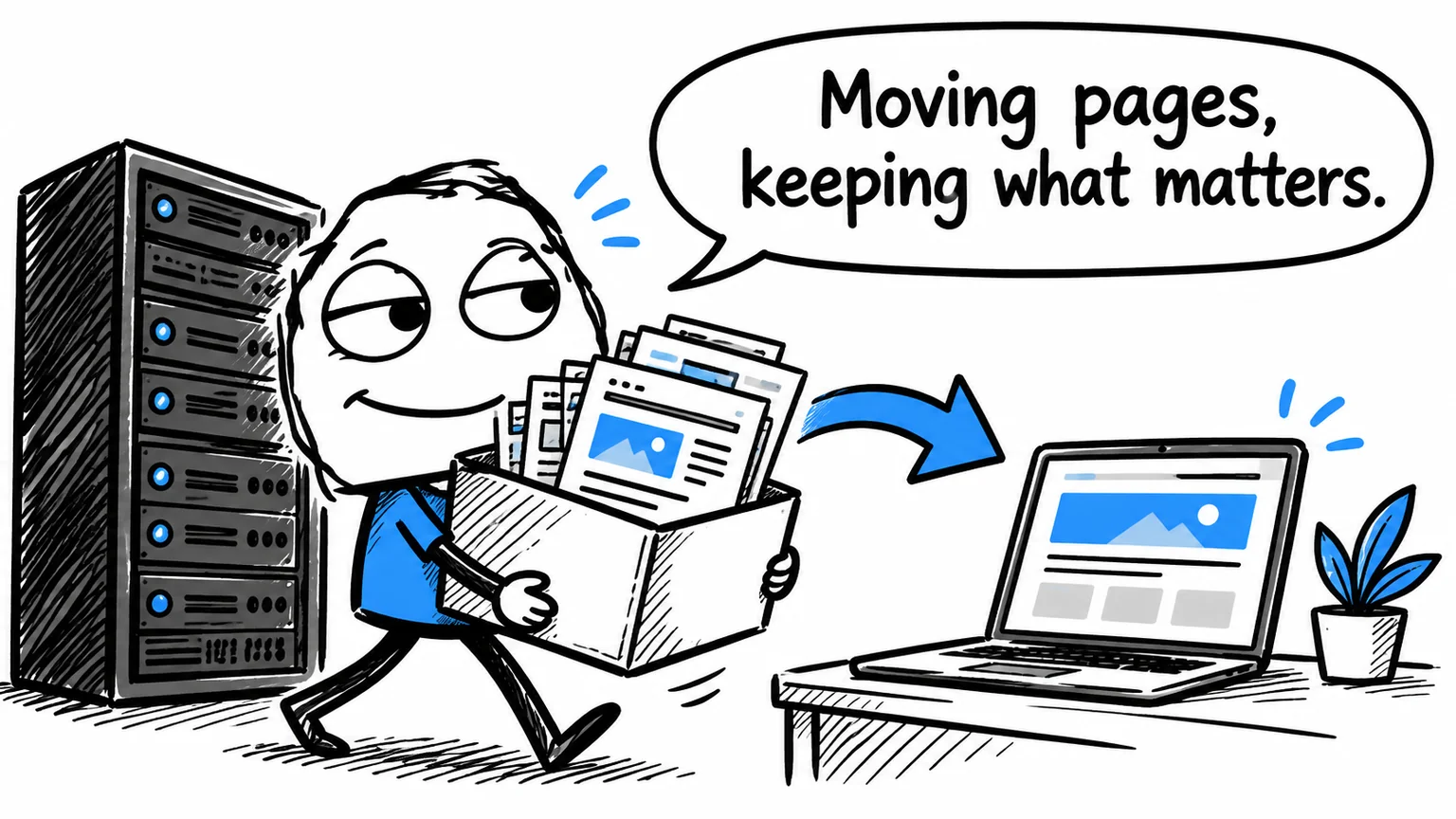
Your business website has a handful of pages and changes occasionally, yet still needs WordPress, theme and plugin updates. Moving WordPress to a static website can simplify that arrangement, while retaining service pages, images, articles and enquiries. The project must preserve the useful functions as well as the appearance.
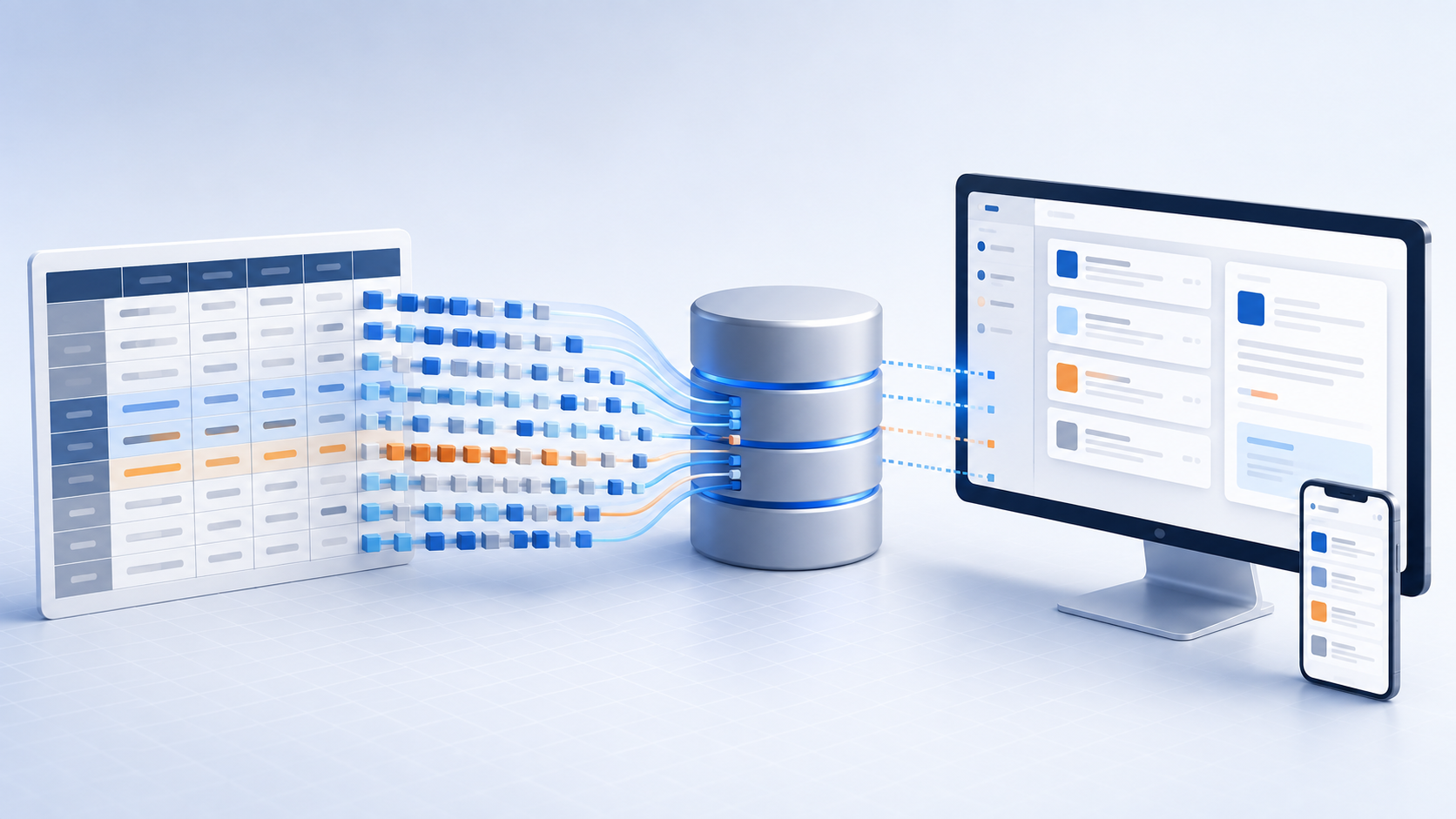
A static website sends the browser pages prepared before the visit. It does not need WordPress to assemble them on the public server. Professional design and a blog remain possible; the production and updating process changes.
The overview of static HTML and CSS websites with AI explains the broader approach. This guide focuses on the decisions involved in converting an existing WordPress site.
When moving WordPress to static makes sense
A business presentation website may use only a small part of its CMS. A consultant publishing service descriptions, a portfolio and occasional articles has different requirements from a busy editorial team.
Start by listing what people must be able to do after the move. If a developer handles agreed updates, a file-based process with previews may fit. If the owner expects to edit every section through an administration panel, that requirement belongs in the new design.
| Current situation | Migration assessment |
|---|---|
| Business presentation with occasional updates | Good candidate, subject to a feature review |
| Blog maintained by one responsible editor | Possible with a defined publishing workflow |
| Many editors relying on the dashboard | Consider an editorial interface or retain the CMS |
| Shop, subscriptions or customer accounts | Preserve an application platform for those functions |
The decision should follow the business process. Removing a dashboard that staff genuinely need can make a technically simpler site harder to operate.
What a static website can improve
The public hosting becomes simpler when it no longer runs a CMS just to display information. Updates and compatibility checks for extensions removed from the system are no longer part of that public application.
Prepared pages also provide a sound basis for fast delivery and caching. Images, fonts, videos and scripts still affect loading: reproducing an overloaded design will preserve many of its problems.
Security benefits are specific. A public server without WordPress or its plugins does not expose vulnerabilities in those absent components. Hosting accounts, publishing access and connected services still need protection. The opportunity is to maintain fewer moving parts, rather than assume that static files cannot be compromised.
For a business, this can shift maintenance effort towards useful content and enquiries. The value depends on which components can actually be removed and how the replacement site will be maintained.
Preserve the purpose of each plugin
Inventory pages, posts, images, downloads, forms and integrations before exporting anything. Content built with a page builder may need its layout reconstructed; extracting paragraphs does not reproduce every card, column or interactive element.
For each plugin, record the job it performs. Search metadata can be generated through the new templates. A contact form needs a working system to receive and process submissions. A customer area cannot be replaced by an exported image of its login page.
Consider a hypothetical consultancy website using a builder, gallery and quotation form. Its public pages and gallery can be rebuilt statically, but the form still needs a functioning destination. A migration proposal should account for both tasks.
This inventory also reveals functions that nobody uses. Removing them can be reasonable, provided the owner approves the change and no enquiry route disappears unnoticed.
Keep URLs and SEO information consistent
Retain existing page addresses where practical. When an address must change, connect the old URL to its relevant replacement with a permanent redirect. Sending every old page to the homepage does not preserve the relationship between subjects.
Include linked images and PDFs in the review. Check page titles, descriptions, internal links and the declared primary version of each page. Multilingual sites also need coherent relationships between equivalent language versions.
A migration cannot guarantee that every Google position stays unchanged. The practical aim is to prevent avoidable errors and monitor the transition. Record available information about important landing pages before the move, then review accessibility, indexing and errors afterwards.
Avoid combining a platform migration with unnecessary changes to domain, page subjects and navigation. A focused scope makes it easier to understand any problems that appear.
Prepare the switch around real enquiries
Build and review the replacement in a preview environment while the existing site remains available. Test representative page types and follow an enquiry all the way from form opening to successful delivery.
Website hosting and business email are separate decisions. Moving the pages does not automatically require moving mail, but any domain configuration changes must preserve the services in use.
Keep a recoverable copy of the old site and agree how to restore it if needed. After switching, check key journeys on desktop and mobile. A working homepage alone does not demonstrate a successful migration.
Agree how future updates will work
A well-structured static project can separate content from design, allowing new pages without rebuilding the layout by hand. AI can help apply consistent changes, with human review of facts, wording and visual results.
Compare the initial conversion, future updates, hosting and connected services together. A lower hosting bill alone does not prove a lower total cost.
If WordPress still suits the business, improving the existing installation may be the better choice. Through WordPress support, I can assess that option alongside conversion.
To evaluate your own website, contact me about a WordPress-to-static migration. I can review pages, plugins and editing requirements before recommending a suitable approach.