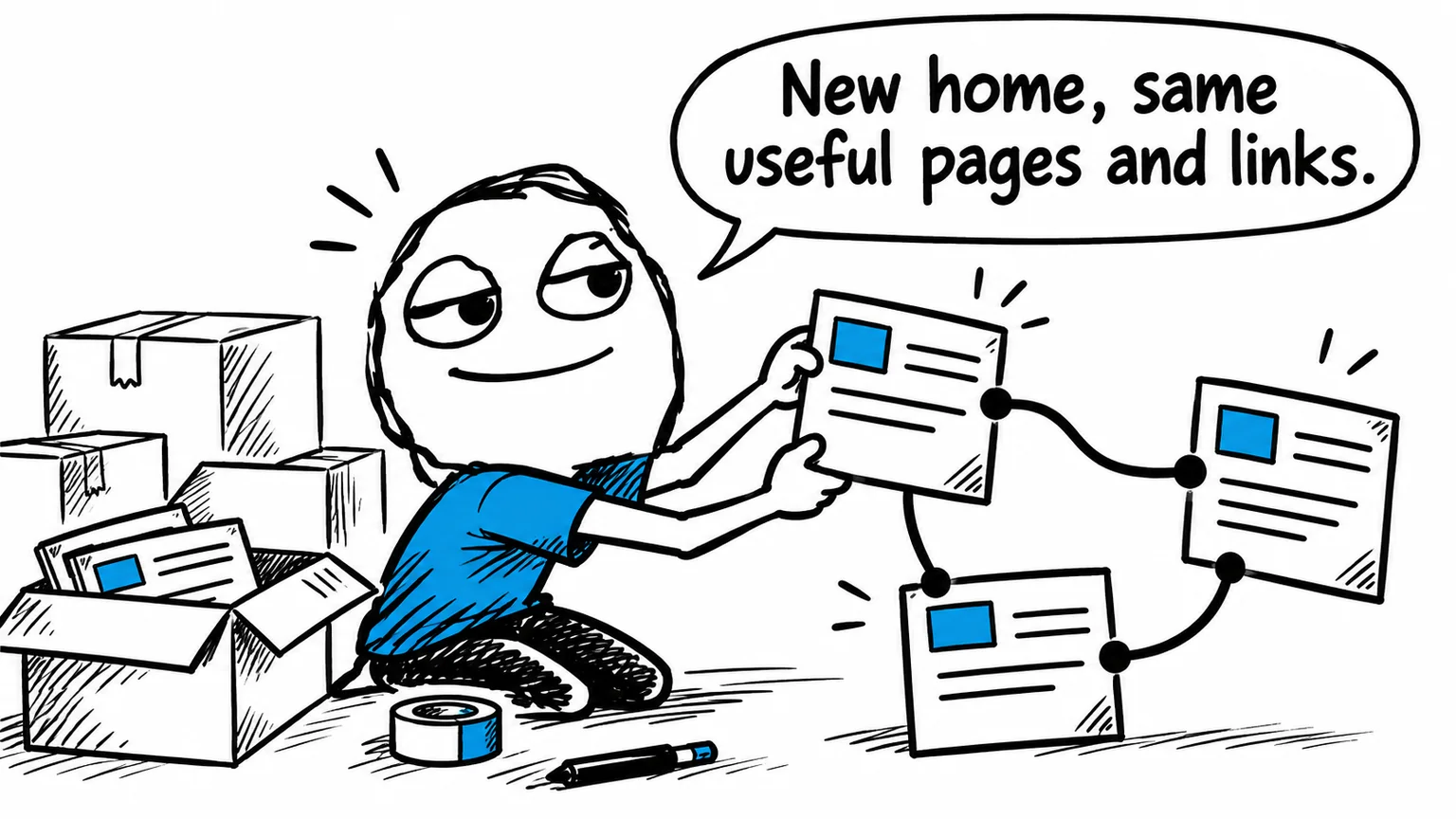
Migrating Joomla to a static website: content, menus and SEO

- Web developing
- October 15, 2026
Table of contents
Your Joomla website still describes services and brings in enquiries, but each maintenance task involves checking templates, extensions and compatibility. For a mainly informational project, moving Joomla to a static website can reduce operational complexity, while keeping the content the business needs.
This is different from upgrading Joomla. The publishing system changes: the public website serves prepared files and no longer requires Joomla to display them. Before choosing that approach, establish which CMS functions are genuinely in use.
The overview of static HTML and CSS websites with AI introduces the wider benefits. This guide considers how they apply to an existing Joomla project, including content, navigation and enquiries.
When a Joomla website is suitable for static migration
Company presentations, public article archives and informational catalogues can suit static delivery. Visitors mostly read the same material, without requiring a live business application to assemble each page.
The assessment changes when Joomla manages accounts, permissions, restricted material, orders or complex editorial approval. Those functions must remain available through a suitable system, or the CMS should be retained.
| Current Joomla use | Main assessment |
|---|---|
| Company and service pages | Static rebuilding can fit the requirement |
| Public article archive | Organisation, search and future updates |
| Catalogue without online purchasing | Product information and data updates |
| Portal with accounts and permissions | Continued need for application features |
| Editorial team with approval stages | Preservation of the publishing workflow |
Page count alone does not decide suitability. A large, stable archive can be easier to manage statically than a small website offering live booking availability.
Benefits of removing Joomla from public hosting
Generated pages support direct content delivery and caching. The server does not need to execute Joomla to assemble each informational page. Images and additional resources still determine much of the final loading experience.
Operational dependencies can also shrink. Extensions removed from the public website no longer need updates there or compatibility checks against its PHP environment. Maintenance may become more predictable when the business has few dynamic requirements.
The attack surface associated with the absent CMS is reduced too. Hosting accounts, publishing access and integrations still require protection. Static delivery simplifies part of the system without eliminating responsibility for security.
Visitors can still receive a polished, responsive design with galleries, service descriptions and language versions. These presentation features do not inherently require a running CMS.
Recover content from articles, modules and extensions
Start by finding where information lives. Some material may be stored as Joomla articles, some in specialist components and some in modules. Text and contact details embedded in the template also belong in the inventory.
The extraction method depends on the installed extensions and the actual project structure. No single export button can guarantee a complete conversion of every Joomla website.
Classify the results as content to retain, functions to rebuild and material to remove through an agreed editorial decision. Give each important item a destination in the replacement site.
A service page might combine an article, sidebar module and downloadable document. The rebuilt page should bring the useful information together without reproducing Joomla’s internal division between components. This can make the content clearer for readers as well as easier to maintain.
Review menu paths and public URLs separately
Joomla menu items can influence how a page is reached and presented. The same article may appear in different contexts, so exporting titles and assigning fresh addresses is insufficient.
Record the real public URLs and match each useful page to its correct destination. Preserve addresses where practical; use permanent redirects to equivalent content when an address changes.
Include images and downloadable documents. A PDF linked from another website can remain important even if it is absent from the main navigation. Update internal links to point directly to the replacement pages.
For multilingual websites, rebuild relationships between equivalent language versions. Switching language should preserve context rather than routinely send the visitor back to the homepage.
Keep forms, search and protected access working
A contact form can remain available through a connected service or dedicated endpoint. Test actual message delivery: displaying a submit button does not demonstrate that an enquiry arrives.
Internal search can use an index of public content. Customer accounts and restricted documents require real access controls. Hiding a link or a field with JavaScript does not make a publicly hosted file private.
A mixed architecture may be appropriate when some functions still require an application. Assess whether operating multiple components would remain manageable for the business.
Choose between static conversion and a Joomla upgrade
A properly maintained Joomla installation remains suitable for many projects. If the business relies on its editorial and application features, upgrading may be more sensible than rebuilding those functions elsewhere.
Static conversion is attractive when the aim is a lighter informational site with an orderly updating process. AI can assist with repetitive file changes and restructuring, but it cannot decide which business information is dispensable.
Through Joomla support, I can review the template, extensions and content structure to compare realistic options.
If you are considering a move, contact me to discuss your Joomla website. I can identify what needs preserving and assess whether a static replacement would simplify its operation.