How to block SiteGround WordPress automatic updates Yootheme Pro, Virtuemart and VMuikit: integration via dynamic fields for Joomla ecommerce Expert YOOtheme web designer and developer for Joomla and WordPress Hugo, HugoPlate, Netlify and GitHub expert for static websites AI Interface for a Tourist Tour with Internal Knowledge Base GPX files with and without timestamps: differences and how to record them correctly Experienced PrestaShop developer for professional ecommerce websites Security problems and hacks in Joomla 3 Errors sending emails with PHPMailer in Joomla 3 Joomla 3 incompatibility with PHP and MySQL Broken or unresponsive templates in Joomla 3 Errors with ACL and user permissions in Joomla 3 Email sending or SMTP errors in WordPress Slow speed and performance issues in WordPress Problems with TinyMCE editor in Joomla 3 How to block SiteGround WordPress automatic updates Yootheme Pro, Virtuemart and VMuikit: integration via dynamic fields for Joomla ecommerce Expert YOOtheme web designer and developer for Joomla and WordPress Hugo, HugoPlate, Netlify and GitHub expert for static websites AI Interface for a Tourist Tour with Internal Knowledge Base GPX files with and without timestamps: differences and how to record them correctly Experienced PrestaShop developer for professional ecommerce websites Security problems and hacks in Joomla 3 Errors sending emails with PHPMailer in Joomla 3 Joomla 3 incompatibility with PHP and MySQL Broken or unresponsive templates in Joomla 3 Errors with ACL and user permissions in Joomla 3 Email sending or SMTP errors in WordPress Slow speed and performance issues in WordPress Problems with TinyMCE editor in Joomla 3

To do list in a Joomla migration to the latest version

Author Graziano De Maio - Gdmtech
I wish you a good read and remember: if after reading this article you need help, don't hesitate to contact me.
Author: Graziano De Maio | Founder of Gdmtech
Table of contents

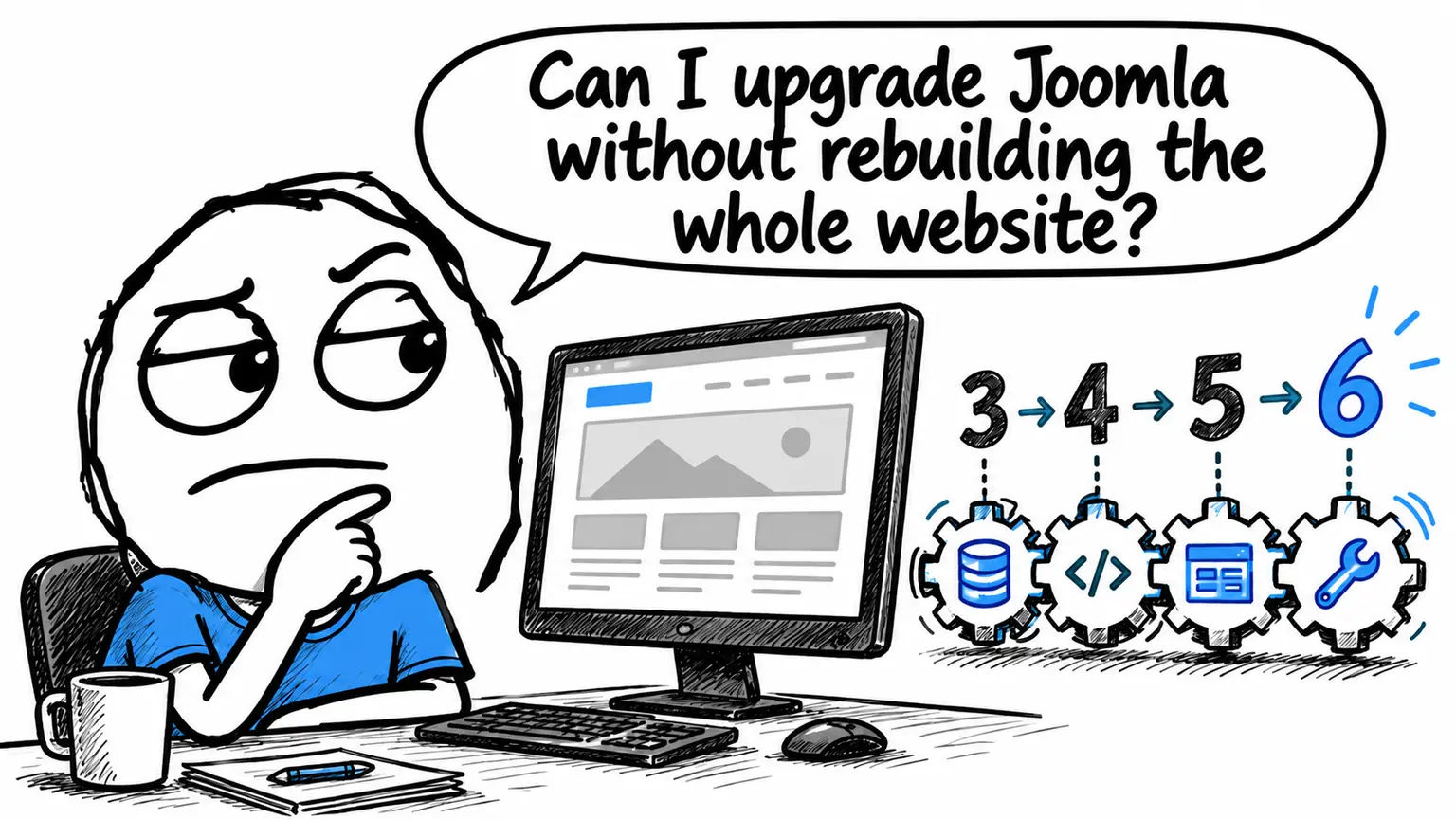
As a Joomla web developer, I often deal with migrations from Joomla 2 or 3 to the latest version. Below is a concise list of the tasks I follow during a migration:

  • Clone the site in a development area (so I can work without taking the live site offline).

    • Development area can be online or local.
    • If using the same server as the live version, consider the PHP version: it might only support one of the two versions, unless the server allows different PHP versions even for subdomains.
  • Check with the client whether all functionalities should be maintained or if some can be removed (forums, forms, old plugins, etc.).

  • Verify the compatibility of components, modules, and plugins with Joomla 5 and replace or update them if necessary.

  • Check if the current template has a compatible version for Joomla 5; otherwise, have the client choose a new graphic template.

  • Proceed with the migration locally using the standard Joomla 5 theme (Cassiopeia).

  • Test the functionality of components, modules, and plugins.

  • Install a new theme (or update the original one) and configure it from scratch.

  • Rebuild the homepage and/or main pages.

  • Manage URLs with redirects if they change, so that Google doesn’t notice and indexed pages remain accessible.

  • Publish the new site online on a subdomain (the old site continues to run), allowing the client to verify and approve the replacement.

  • Park the old site on a subdomain and put the new one online.

As you can see, migrating from Joomla 2 or 3 to Joomla 5 is not a simple procedure and can be full of challenges.
Author Graziano De Maio - Gdmtech
I wish you a good read and remember: if after reading this article you need help, don't hesitate to contact me.
Author: Graziano De Maio | Founder of Gdmtech
Graziano De Maio, Webdeveloper, SEO specialist
Graziano De Maio
Web Developer, SEO Specialist
Gdmtech Web Agency
Via Stefanardo da Vimercate 28 - (Milan)
Via Spinedi 55 - Postalesio (Sondrio)
Info & Contacts