Joomla 3 to Joomla 6 with T3 and Purity III: a migration case study

- Joomla
- September 9, 2026
Table of contents
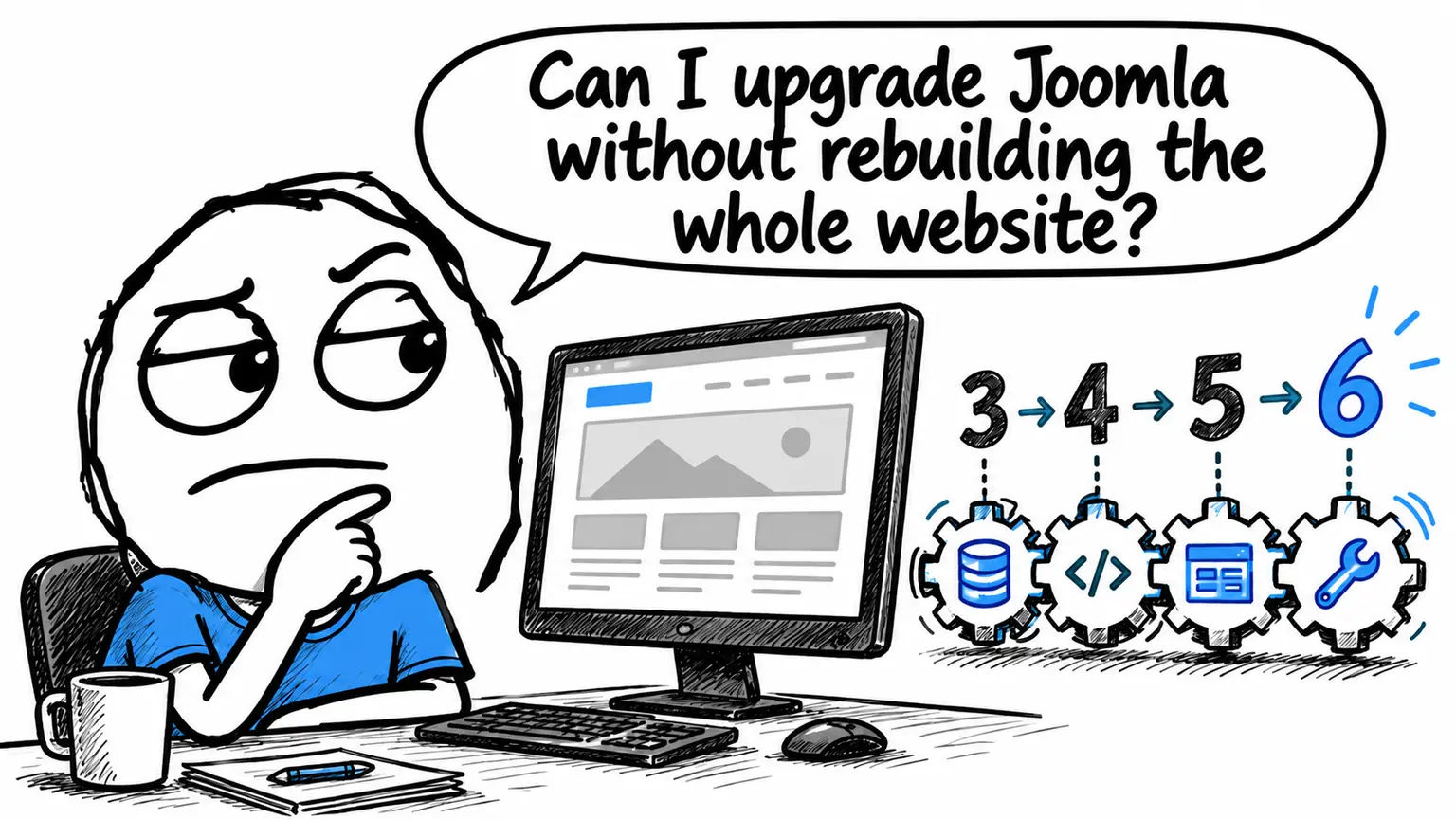
Does a Joomla 3 website need a complete rebuild before it can be upgraded, even when its template still meets the business’s needs? In this project, I completed a Joomla 3 to Joomla 6 migration while retaining JoomlArt’s Purity III template and updating T3 Framework, without rebuilding the entire frontend.
Need help with a Joomla website? Get Joomla website support.
The hardest part was identifying which dependencies prevented the site from working on later Joomla versions. An ageing framework, plugins accumulated over the years and unused components each needed investigation, with checks before moving to the next stage.
This case study omits all details identifying the client or website. It explains how the issues in this installation were handled, rather than providing a sequence to apply automatically to every Joomla 3 site.
Why this Joomla 3 migration started in staging
The starting point was a Joomla 3 installation running Purity III, a very old version of T3 Framework and numerous extensions added over time. It also contained remnants of the RocketTheme ecosystem, which the site no longer used for its frontend.
The aim was to update the CMS while preserving the existing visual structure wherever possible. To assess whether this was feasible, I worked in staging: a separate copy of the website, leaving production untouched. This made it possible to disable components and switch templates temporarily without affecting visitors to the live site.
Preparation included:
- taking backups before making changes;
- updating the Joomla 3 installation;
- reviewing extensions through the Pre-Update Check;
- updating Purity III;
- analysing T3 Framework compatibility.
The pre-update check provided a starting point for the investigation. Subsequent tests would show how the installed extensions actually behaved.
For a broader view of preparation, the Joomla migration task list explains how a separate development copy fits into the work. It allows compatibility testing to take place independently of the website’s day-to-day operation.
Moving from Joomla 3 to Joomla 4 with an old T3 Framework
During the first move to Joomla 4, I encountered an error that could easily have suggested a failed core update. The problem was in the old T3 Framework, which still called Joomla 3 APIs that were no longer available in the new environment, including:
$app->isAdmin()
APIs are the functions through which an extension interacts with Joomla. If the framework calls a method the CMS no longer provides, execution can stop and prevent pages from rendering correctly.
An error during an update does not automatically mean the Joomla core is at fault. Here, I needed to distinguish the installation’s actual state from the code responsible for displaying the frontend.
I temporarily disabled T3 and used Cassiopeia as the interim template. With that configuration, I could confirm that Joomla 4 was installed and working.
Cassiopeia served a diagnostic purpose. Removing the dependency on the old framework temporarily allowed me to check the CMS and address the template issue separately. There was not yet enough reason to abandon Purity III.
PHP compatibility is part of a Joomla migration
While stabilising Joomla 4, the site displayed several notices related to Joomla’s Language system under PHP 7.4. After switching to PHP 8.1, it ran without those notices.
That was the behaviour observed in this environment. It does not mean that every Language system notice has the same cause, or that changing PHP will resolve any migration error. Such a conclusion would require analysis of the specific message and the code involved.
The incident does show why PHP belongs in the Joomla upgrade plan. The CMS, template framework and plugins all run in the same environment. Updating just one of them can leave compatibility issues elsewhere.
PHP 8.1 was an intermediate step in this migration, not the configuration to recommend for Joomla 6. The official Joomla 5 to Joomla 6 upgrade guide specifies PHP 8.3 as the minimum requirement. For a new project, check the target version’s requirements alongside those of the extensions, rather than reproducing an environment used at an earlier stage.
From Joomla 4 to Joomla 5: stabilise before proceeding
Once Joomla 4 was working, the migration continued to Joomla 5. This stage also involved updating the core, checking the frontend and backend, and updating both T3 and Purity III.
Where necessary, Cassiopeia remained the temporary template for isolating problems. It provided a reference for distinguishing an issue in the customised frontend from one that also occurred with the standard template.
The rule was to verify each stage before moving on. Adding more changes to a site already displaying errors would have made diagnosis harder: the core, PHP, framework and plugins could have produced overlapping symptoms.
For a business website owner, this has a practical implication. Seeing a page load after an update is an initial check, but proceeding also requires checking the administration area and the functions the site actually uses.
Joomla 6 and Behaviour - Backward Compatibility
During preparation for the move from Joomla 5 to Joomla 6, the pre-update check required the Behaviour - Backward Compatibility plugin to be disabled. Doing so produced this error:
Class "JPlugin" not found
The message showed that some code was still trying to use the old JPlugin class. The backward compatibility layer had allowed legacy extensions to keep running; disabling it exposed that dependency.
The distinction between compatibility plugins matters. The plugin without a number in its name, involved in this error, must be disabled before upgrading to Joomla 6. It is separate from Behaviour - Backward Compatibility 6, which supports the subsequent transition between Joomla 5 and Joomla 6 APIs. The official documentation distinguishes the two and specifies Joomla 5.4.x as the starting version for the upgrade to Joomla 6. See the Joomla documentation on backward compatibility plugins.
In this installation, the next task was to find what still depended on JPlugin. Leaving the old compatibility plugin enabled would have left the cause of the blockage unresolved.
How I identified the legacy Joomla plugins
I searched across the project files for this string:
extends JPlugin
This expression identifies code declaring a class derived from the old JPlugin. Searching for it revealed several remnants to investigate, rather than relying only on the extension names displayed in the administration panel.
| Item found | Finding or check in this case |
|---|---|
| RocketTheme’s RokNavMenu | No longer used by the site running JoomlArt/T3 |
Old plugins in the search group | Remnants of Joomla’s previous search system |
| JW Simple Image Gallery | Content usage checked before removal |
Finding the string was a clue to connect with an extension and its actual use, not permission to delete every matching file. Conversely, finding no occurrences of extends JPlugin does not by itself prove Joomla 6 compatibility: other legacy dependencies can take different forms.
For JW Simple Image Gallery, I also checked the database for article tags such as {gallery}. A content plugin may appear unused in navigation while still turning a text marker inside an article into a gallery.
In this case, it was not being used, so it could be disabled and removed. Had those markers been present, preserving or replacing the galleries would have needed assessment before removing the plugin.
The useful question is: what still depends on this extension? Its age alone cannot answer that. The wider issue of incompatible Joomla extensions needs to be considered alongside actual functions and content before deciding what to update, replace or remove.
After the obsolete extensions had been removed or disabled, Behaviour - Backward Compatibility could be disabled while the frontend and backend continued to work. The issue preventing the next upgrade had been resolved.
T3 Framework and Purity III on Joomla 6: the outcome
The upgrade to Joomla 6 was completed. The result was:
- a working Joomla 6 installation;
- the Purity III template retained;
- T3 Framework updated;
- no need to rebuild the entire template;
- legacy components and plugins accumulated over the years removed.
The installation was cleaner than at the start. The frontend had been preserved by updating the dependencies it needed and removing those it no longer used.
Retaining Purity III is also consistent with JoomlArt’s official template page, which lists it as available for Joomla 6 and built on T3 Framework. That availability does not guarantee that every old installation or customisation will work without intervention: the individual project still needs testing.
This case shows that a complete rebuild was unnecessary for this website. On another installation, template overrides, essential extensions or framework modifications could lead to a different decision.
What this Joomla 3 to Joomla 6 migration demonstrates
The decisive work was tracing each error to the right dependency: first T3, then behaviour in the PHP environment, and finally extensions still calling legacy APIs.
Staging made it possible to isolate the causes. Cassiopeia helped verify the core separately from the frontend. Searching the code identified plugins to investigate, while checking content avoided removing an extension without knowing whether it was still needed.
A major Joomla migration is primarily an analysis of dependencies, compatibility and legacy code. The update button handles part of the process; decisions about what to retain and tests between stages determine whether the website is ready for the next version.
If you run an older Joomla website and are unsure whether its template can be retained, I can provide Joomla technical support to identify what can be updated, what can be removed and what needs specific work. You can contact me to discuss your website migration before deciding whether to rebuild the frontend.




















