Emails going to spam: setting up SPF, DKIM and DMARC

- Web developing
- September 24, 2026
Table of contents
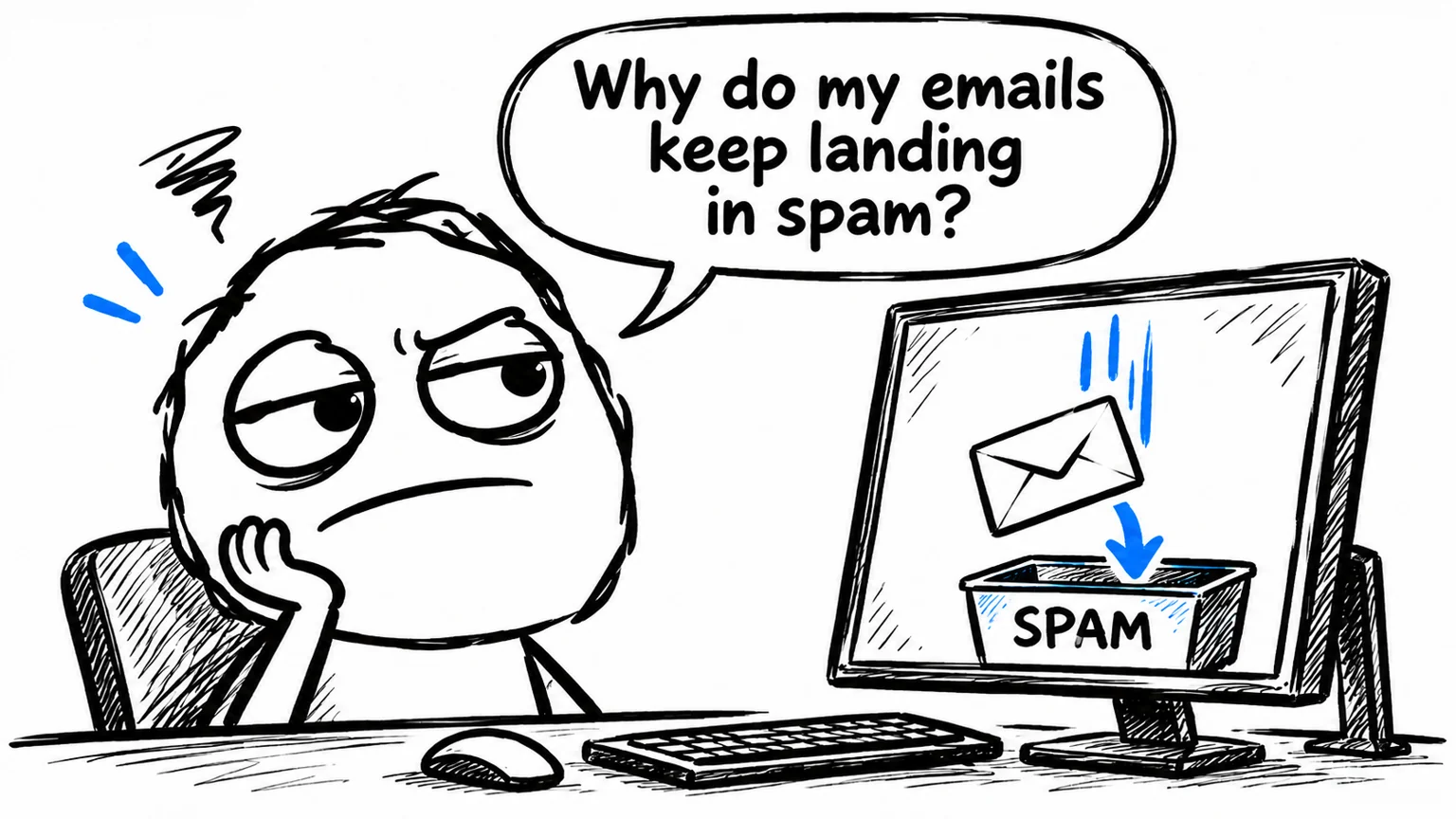
You send a quote, an order confirmation or a reply to a customer, but the message lands in their junk folder. It shows as sent on your side, yet the recipient may never read it.
Setting up SPF, DKIM and DMARC correctly helps reduce authentication problems that can contribute to emails going to spam. It does not guarantee inbox placement, but it is one of the checks to make when sending from your business domain.
You do not need to understand every technical detail to recognise the issue. Start by identifying which tools send email on your behalf and checking that their configurations work together.
Why business emails end up in spam
A professional email address and a well-written message do not, by themselves, prove that a sender is authorised. The receiving service also evaluates authentication and sender reputation.
Consider a business that uses its mailbox for customer replies, its website for order confirmations and a separate platform for newsletters. Those are three sending routes to check. A successful test from the mailbox does not establish that the other two are configured correctly.
Authentication is also only part of the picture: recipient complaints and domain or server reputation can affect delivery even when the records are correct. The official Gmail sender guidelines explain these factors.
What SPF, DKIM and DMARC actually do
Each mechanism has a different role:
| Mechanism | What it checks |
|---|---|
| SPF | Whether a server may send for the technical domain used during delivery. |
| DKIM | Whether the domain signature is valid and the signed message parts remain intact. |
| DMARC | Whether SPF or DKIM passes using a domain aligned with the visible sender. |
SPF is published in DNS, the settings that connect a domain to its services. Do not add a separate SPF record for each platform at the same name. Authorisations belong in one record, which must also respect the DNS lookup limits in the SPF standard.
DKIM requires the sending service to sign messages and make the corresponding public key available through DNS. Publishing a record without enabling signing on the service is not enough. The DKIM specification explains how signing and verification work together.
DMARC connects authentication to the domain recipients see in the “From” field. Either SPF or DKIM must pass with alignment: depending on the mode, the domains must match exactly or share an organisational domain. DMARC can also request reports and specify handling for messages that fail. See the DMARC specification for the technical details.
How to configure authentication across your sending services
Start with a list of the tools that send email: mailboxes, website, business software, CRM and newsletter platform, where applicable. Then work through these steps:
- Find where your DNS is managed. This may be separate from your hosting or mailbox control panel.
- Get the instructions for the services you actually use. Values depend on the provider; there is no universal record to copy.
- Review SPF and enable DKIM for the relevant sending routes, checking the sender domain too.
- Introduce DMARC with monitoring, review the results and then consider a stricter policy.
- Test every service with real messages, inspecting the received headers as well as the published records.
A DMARC p=none policy requests no restrictive action; reports need a configured destination. quarantine asks receivers to treat failing messages as suspicious, while reject requests rejection. Applying a strict policy before checking every legitimate sending route can disrupt business email.
When your email setup needs a closer look
A review is useful if the problem begins after switching providers, affects only newsletters, or sends website notifications to spam while ordinary mailbox messages arrive normally.
A meaningful check goes beyond confirming that three records exist. It compares DNS settings with an actual received message: which service sent it, which domain signed it and which authentication checks passed.
If your website cannot send at all, the investigation starts elsewhere. Read the guide to WordPress SMTP sending errors for that situation.
Need help checking your domain’s email setup?
For an initial review, useful details include your domain, email provider and which messages land in spam: customer replies, website notifications or newsletters. That information helps define the work needed.
If your business emails keep going to spam, contact me for an SPF, DKIM and DMARC review. I can examine your configuration and sending services to identify errors and assess the changes needed.